
A deposition can be completed without incident and still become a problem hours later. A corrupted memory card, an incomplete upload, a mislabeled exhibit folder, or a missing remote-recording file can create avoidable uncertainty when a case is moving toward mediation, motion practice, or trial. Top deposition backup practices protect more than a recording. They protect the legal team’s ability to review testimony, prepare impeachment clips, synchronize transcripts, and meet a court-driven deadline with confidence.
For attorneys and litigation support staff, the goal is not simply to have several copies of a file. The goal is to know which copy is complete, where it is stored, who can access it, and whether it can be retrieved quickly in the format required. That calls for a deliberate workflow beginning before the witness is sworn in.
Start With a Backup Plan Before the Deposition
Backup reliability is largely decided during preparation. Before an in-person, Zoom, or hybrid deposition, identify the expected deliverables: the video recording, separate audio if applicable, the court reporter’s transcript, exhibits, a transcript-synchronized video, and any edited clips requested for later use. Each asset may come from a different source and arrive on a different schedule.
The person managing the deposition should also confirm where the primary recording will be captured and what independent backup will exist. For an in-person video deposition, that may mean recording to two separate media cards or devices. For a remote or hybrid matter, it means understanding whether the platform’s cloud recording, local recording, and the legal videographer’s isolated recording are all available. A platform recording is useful, but it should not be the only preservation plan.
The backup plan should account for practical variables. A short, straightforward deposition may require a simpler workflow than a multi-day matter involving interpreters, document-heavy questioning, multiple remote participants, or testimony that is likely to be played at trial. The stakes, expected use, and scheduling pressure should determine the level of redundancy.
Use Independent Recording Paths
The strongest protection against data loss is independence. If a primary camera or recorder fails, a second file created by the same device may not solve the problem. Separate recording paths reduce the chance that one hardware fault, bad card, power interruption, or operator issue affects every usable copy.
In-Person Depositions
For a traditional deposition, the primary video should be recorded in a courtroom-ready format by a qualified legal video professional. A secondary recording can capture the same proceeding on separate media. Audio deserves its own attention: poor audio can make otherwise acceptable video far less useful for review, synchronization, or presentation.
Backup media should be tested before the witness arrives. That includes available storage, battery or power continuity, camera settings, time and date accuracy, and audio levels. It is far easier to identify a failing card during a pre-session test than after eight hours of testimony.
Remote and Hybrid Depositions
Remote proceedings introduce a different risk: the best record may depend on an internet connection or a platform setting outside the videographer’s direct control. Whenever possible, preserve more than one version. The host platform recording, a local backup recording, and separate professional capture of the proceeding each serve different purposes.
A remote witness should be instructed to use a stable connection, reliable power, and a quiet location. Yet technical instructions cannot eliminate every interruption. A backup workflow should anticipate reconnections, dropped participants, screen-sharing transitions, and the possibility that a cloud file takes time to process after the deposition ends.
Follow the 3-2-1 Principle, Adapted for Legal Files
The familiar 3-2-1 approach remains practical for deposition media: maintain at least three copies, on two forms of storage, with one copy kept separately from the primary location. For legal teams, the principle needs a clear chain of responsibility rather than a generic technology policy.
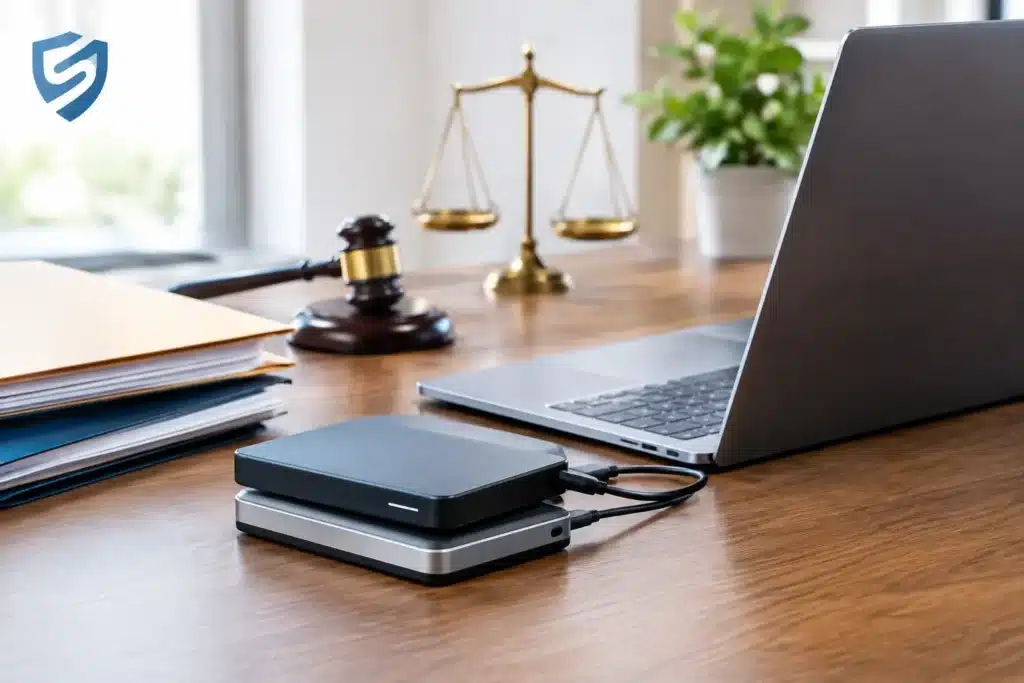
The first copy is the original recording media, preserved without alteration. The second is a verified working copy stored in the production or case-management environment. The third is a separate backup, ideally in a secure offsite or cloud-based location with controlled access. Physical drives can be useful for fast transfer and local retention, but they should not be the only archive. A single drive can fail, be misplaced, or be unavailable when a team member needs the file from another location.
Not every copy should be treated the same way. The original should remain protected and unchanged. Working copies may be used for review, transcript synchronization, editing, or clip creation. A properly retained archive provides a fallback if a working file is accidentally overwritten or a project folder is reorganized.
Verify Files Before Calling the Job Complete
A backup is not reliable merely because a file appears in a folder. Verification is the step that separates routine storage from dependable preservation. After transfer, confirm that the copied file opens, plays through expected portions, contains intelligible audio, and reflects the full duration of the proceeding.
For higher-stakes matters, a file-integrity check can confirm that the transferred copy matches the source file. At a minimum, the production team should compare file size and duration, review the beginning and end of each recording, and confirm that any breaks are accounted for. If separate audio, camera angles, or screen captures were created, verify each component rather than assuming the folder is complete.
This verification should occur promptly. Waiting until the transcript arrives or trial preparation begins leaves little room to locate replacement material, recover a failed drive, or determine whether a remote platform retained a usable recording.
Keep Naming, Metadata, and Access Under Control
A perfectly preserved recording loses value if no one can identify it. Consistent file naming makes retrieval faster and reduces the risk of using the wrong testimony excerpt. A useful convention generally identifies the case, deponent, deposition date, and asset type. Avoid vague names such as “final video” or “new recording,” especially when a matter includes multiple days or amended files.
Maintain a simple inventory that records the location of originals, working files, backup copies, exhibits, and synchronized deliverables. It should also identify who performed the transfer and verification. This is operational discipline, not unnecessary paperwork. When a paralegal needs a specific segment on short notice, the inventory can prevent a time-consuming search across drives, downloads, and email attachments.
Access controls matter as well. Deposition recordings can contain sensitive testimony, confidential exhibits, or information subject to protective orders. Limit permissions to the people who need the files, use secure transfer methods, and avoid distributing uncontrolled copies by email or personal file-sharing accounts. Convenience has a place in litigation workflows, but it should not compromise confidentiality or record management.
Preserve the Source While Preparing Usable Deliverables
Legal teams often need more than the full-length video. They may request transcript synchronization, objection designations, impeachment clips, settlement presentations, or excerpts for courtroom playback. Those work products should be created from a verified copy while the source recording remains intact.
Edits should be clearly identified as derivative files. Keep the full original, the synchronized version, and each edited excerpt in separate, plainly labeled locations. This prevents confusion about what was recorded live, what was synchronized to a certified transcript, and what was edited for a particular litigation purpose.
A professional legal video provider can make this process considerably easier by maintaining organized source media and producing deliverables that fit attorney workflows. Royal Video Productions approaches deposition files with the same focus applied to the proceeding itself: accurate capture, responsive handling, and deliverables that are ready when the case demands them.
Assign Ownership and Test Retrieval
The best backup policy fails when everyone assumes someone else is responsible. Assign clear ownership for collecting recordings, transferring source media, verifying copies, retaining the archive, and responding to retrieval requests. In a larger firm, these tasks may be divided between litigation support, paralegals, and outside vendors. In a smaller practice, one coordinator may handle them. Either approach can work if responsibility is explicit.
Periodically test retrieval from the archive. Select a closed or inactive matter, locate a known deposition recording, and confirm that the correct file can be accessed and played. This exposes weak folder structures, expired credentials, missing drives, and unclear retention practices before an urgent request arrives.
A deposition record is most valuable when it can be located, trusted, and used without delay. Treat backup as part of deposition preparation, not an afterthought once the witness leaves the room, and the record will remain ready for the moments that matter most.