
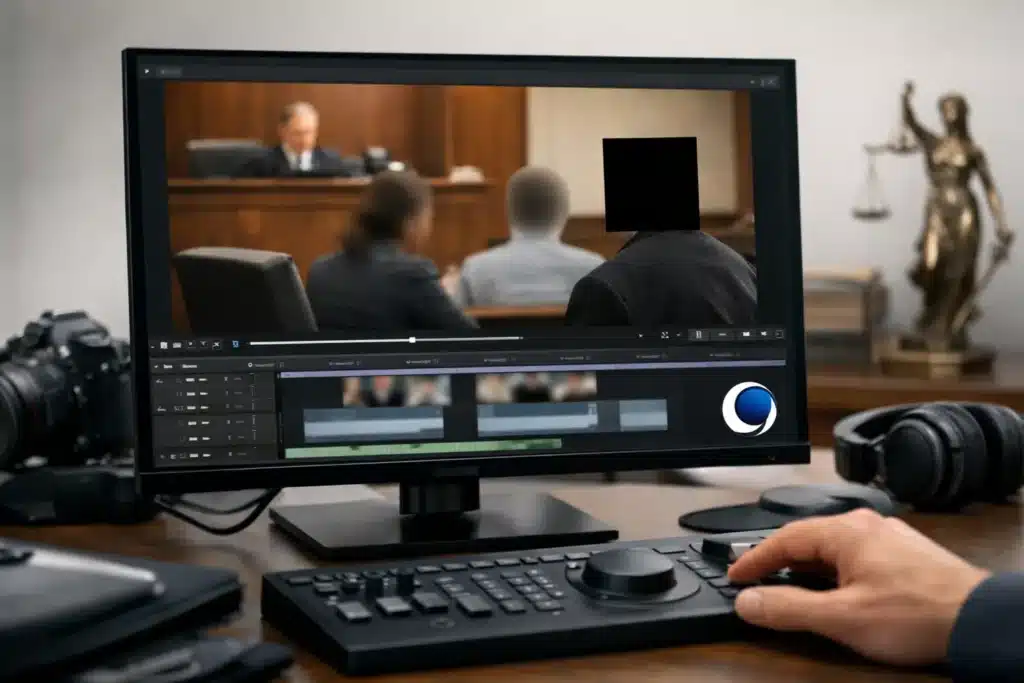
A single unredacted frame can create a serious problem in litigation. A medical chart on a desk, a minor’s face, a street address, a license plate, or an off-record comment may be visible only briefly, yet still be captured in a deposition exhibit or courtroom playback file. Knowing how to redact sensitive footage means protecting confidential information without changing the meaning, sequence, or evidentiary value of the recording.
For legal teams, redaction is not merely an editing task. It is a controlled process that must account for privacy obligations, protective orders, discovery agreements, court rules, and the practical need to present clear evidence. The goal is a clean, reviewable deliverable that removes only what must be withheld while preserving what the fact finder needs to see and hear.
Start With Authority and a Defined Redaction Scope
Before anyone edits a file, establish exactly what information must be removed and why. The governing source may be a court order, protective order, stipulation, applicable rule, privilege concern, privacy statute, or a decision by counsel after reviewing the material. Do not assume that a category of information is automatically subject to redaction in every matter. The proper scope depends on the jurisdiction, the purpose of the footage, and the order or agreement controlling disclosure.
Create a written redaction log or instruction sheet. Identify the source file, the timecode range, the sensitive content, the requested treatment, and the person approving the decision. A direction such as “blur all private information” is not sufficiently precise for a high-stakes legal video. A better instruction identifies, for example, the name on a patient wristband at 00:14:22:08 through 00:14:28:12, or the witness’s home address stated in response to a particular question.
Counsel should also decide whether the issue calls for a visual redaction, an audio redaction, or both. A blurred document does not protect information that is read aloud. Likewise, an audio mute does not protect text visible in the frame.
Preserve the Original Before Redacting Sensitive Footage
The original recording should remain untouched. Make a verified working copy for redaction and retain the source file in accordance with the legal team’s evidence-handling procedures. This distinction matters because redaction creates a derivative presentation file, not a replacement for the original evidence.
Maintain basic chain-of-custody information for both files: where the footage came from, when it was received, who handled it, where the original is stored, and when the redacted version was created. If the footage has embedded metadata or a native export format, preserve that information with the original whenever feasible.
A defensible workflow also names files clearly. Avoid ambiguous labels such as “final_video_new.” Use a convention that distinguishes the original, the working copy, the redacted review version, and the approved production or playback version. Clear version control prevents a common and avoidable error: sending an earlier, unredacted copy to opposing counsel, a mediator, or the courtroom.
Choose the Right Redaction Method
The right method depends on what appears in the recording and how the video will be used. The redaction should be obvious enough that no sensitive information can be recovered, but not so intrusive that it obscures relevant events or unfairly alters the viewer’s understanding.
For text, faces, screens, identifying marks, or documents, an opaque box is generally more secure than a light blur. A blur can leave letters, shapes, or facial features partially recognizable, particularly when footage is enlarged, paused, or processed by modern enhancement tools. An opaque mask leaves no doubt that the underlying material is intentionally withheld.
Motion creates additional complexity. If a person, document, or vehicle moves through the frame, the mask must track that movement accurately from frame to frame. A static rectangle placed over a moving subject can expose the information as soon as the subject shifts position. In footage with camera movement, reflections, mirrors, or quick cuts, each angle requires separate review.
Cropping can be useful when the sensitive content remains at the edge of the frame and the crop does not remove relevant context. It is less appropriate when it changes the composition of the scene or eliminates evidence a viewer needs to evaluate. When context matters, a localized mask is usually the stronger choice.
Audio requires its own treatment. A short spoken identifier may be removed with a mute, tone, or carefully placed silence. If the sensitive statement is part of a longer answer, the edit should make clear that a redaction occurred rather than creating the impression that the speaker paused naturally. Depending on the court’s preferences and the purpose of the exhibit, an audible tone or a visual notation such as “[REDACTED]” may be appropriate.
Protect Context, Timing, and Meaning
Redaction should not become editorial rewriting. In a legal setting, removing information can affect how a statement, reaction, or event is perceived. That is why the production team must evaluate the surrounding footage, not just the isolated item being covered.
Consider a surveillance video in which a subject walks past a residence with a visible house number. Masking the number may be necessary, but the redaction should not cover the subject’s hands, the entrance, or the interaction that makes the clip relevant. In a recorded deposition, removing a medical provider’s name may be required while preserving the witness’s answer, the examining attorney’s question, and the timing of objections.
When a substantial section must be removed, counsel should consider whether a neutral title card, on-screen notation, or a clear gap in the timeline is needed. The appropriate approach depends on the court’s order and the intended audience. The key is transparency. A viewer should not be led to believe that the footage is continuous if material has been withheld.
Review at Full Resolution, Not Just at Normal Playback
A redaction that appears adequate during casual playback may fail under close review. Legal video should be checked at the source resolution and at the resolution likely to be used in court, mediation, or remote presentation. Inspect masked areas frame by frame where movement, quick cuts, zooms, or lighting changes occur.
Quality control should confirm that the redaction stays in place throughout the clip, including at the first and last frames of each masked segment. Review picture-in-picture layouts, split screens, captions, lower thirds, reflected surfaces, and monitor displays in the background. Sensitive information often appears in places that were not part of the original instruction because it was not obvious on first viewing.
Audio review should include headphones and normal speakers. Names, addresses, account numbers, and private medical details may be audible beneath other voices or during transitions. Check the beginning and end of every audio redaction to ensure no syllable remains exposed.
Captions and transcripts deserve the same scrutiny. If the video includes burned-in captions, synchronized text, or a companion transcript, the redaction must be consistent across every version. Redacting the video while producing an unredacted synchronized transcript defeats the purpose.
Document the Work and Obtain Final Approval
A production record should identify the software or process used, the source version, redaction ranges, export settings, and final file name. This record does not replace counsel’s legal judgment, but it provides a practical audit trail if questions arise about what was changed.
Final approval should come from the attorney or designated legal professional responsible for the production decision. Editors can identify technical risks and apply precise masks, but they should not independently decide what information is privileged, confidential, irrelevant, or permissible to disclose.
Before delivery, confirm the format required for the recipient and the intended use. A file for secure review may differ from a file prepared for courtroom playback, a deposition exhibit, or remote mediation. Test the approved file on the playback environment when possible. A redaction can fail operationally if the wrong version is loaded, a companion media folder is overlooked, or a high-resolution source is accidentally included with the deliverable.
For time-sensitive matters, specialized legal video support helps keep this process organized without sacrificing precision. The best redaction is not simply hard to notice. It is deliberate, documented, complete, and ready to withstand the scrutiny that follows when footage becomes part of the record.