
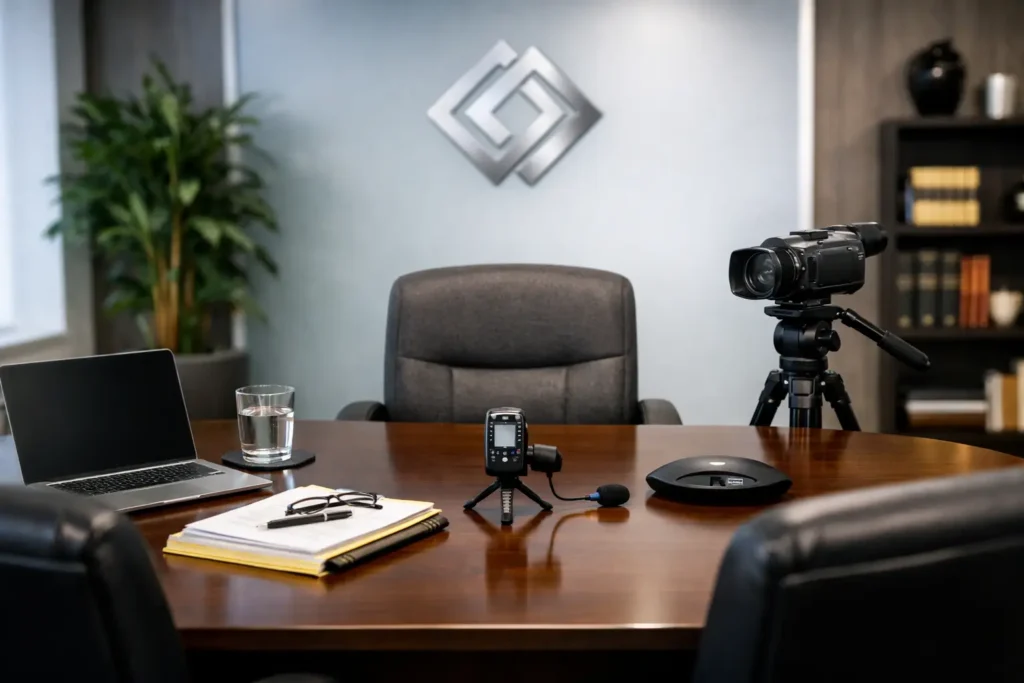
A deposition can turn on a pause, a facial expression, a demonstrative, or a witness’s exact response to a difficult question. That is why deposition room setup is not simply a matter of finding an available conference room. The physical and technical environment must support a clear record, preserve professional control of the proceeding, and give counsel confidence that the video will remain useful through mediation, trial preparation, and courtroom presentation.
For legal teams, the best setup is one that feels unobtrusive once the deposition begins. Everyone has a place, the witness is properly framed, the court reporter can work without obstruction, and the equipment has been checked before anyone is under oath. Getting there requires decisions that are practical, case-specific, and made early enough to avoid last-minute compromises.
Start With the Room, Not the Equipment
A suitable room gives the witness, examining attorney, defending attorney, court reporter, videographer, and any attending parties enough space to work without crowding the table or blocking camera sightlines. The room should also allow the door to remain closed, limiting hallway traffic, conversations, and other interruptions that can enter the audio record.
A conference room with a long table often works well, but size alone does not solve the problem. Glass walls can introduce reflections and outside noise. A room directly beside an elevator, reception area, or active office kitchen may look polished but create an unpredictable sound environment. HVAC noise, buzzing light fixtures, and intermittent construction should be identified before the deposition begins.
Where possible, reserve the room with enough time for a pre-session walk-through. This is especially helpful when the deposition involves multiple attorneys, interpreters, a large number of exhibits, or remote participants. A room that is functional for a short internal meeting may be inefficient for a full-day deposition.
Arrange Seating Around the Record
The witness should be seated where the camera can capture a natural, stable view of the face and upper body. The camera position should not force the witness to turn sharply toward counsel during questioning. Small adjustments in chair placement and table orientation can make a major difference in whether the witness remains visible and whether the resulting footage feels composed rather than improvised.
The examining attorney generally needs a direct line of sight to the witness. The defending attorney should have room to confer when appropriate without stepping into the camera frame or the court reporter’s work area. The court reporter needs clear access to hear all speakers, manage exhibits, and work comfortably for the duration of the proceeding.
Avoid placing the witness directly in front of a bright window, a reflective glass partition, or a busy background. The visual focus should remain on the witness. A neutral, uncluttered background is usually preferable to a wall filled with personal items, office activity, or visual distractions. If the room has windows, shades or blinds should be used to control changing daylight.
Preserve Clear Sightlines for Exhibits
Exhibits introduce another layer of planning. Counsel needs table space to organize documents and enough room to hand materials to the witness without disrupting the camera view or the court reporter. If documents will be displayed electronically, the screen position should allow the witness to view the material without turning completely away from the camera.
For many matters, a document camera or exhibit capture workflow is more reliable than trying to film papers across a table. The right approach depends on the expected exhibit volume, whether physical originals are involved, and how the video may be used later. The essential point is to decide in advance how exhibits will enter the record, rather than solving it while testimony is underway.
Treat Audio as the First Technical Priority
Attorneys often notice poor video first. In practice, poor audio is usually the more damaging problem. If a witness’s answer, objection, or instruction cannot be heard clearly, the visual image cannot repair the record.
A professional legal video setup uses microphones selected and positioned for the room, not simply a laptop microphone placed at one end of a conference table. The goal is to capture the witness and attorneys clearly while reducing room echo, paper handling, chair movement, and side conversations. Every person expected to speak should be audible on the final recording.
Before the deposition starts, the videographer should conduct a sound check with normal speaking voices. This identifies low-volume speakers, room noise, and microphone placement issues before they affect testimony. Counsel should also remind participants to speak one at a time. That instruction matters in every deposition, but it becomes especially critical when remote participants and an interpreter are involved.
Manage Noise You Cannot Eliminate
Not all noise can be removed. A downtown office, hotel conference center, or occupied law firm suite may have unavoidable ambient sound. The practical question is whether it is steady and manageable or disruptive enough to compromise intelligibility.
If a noisy environment cannot be changed, reduce the impact by closing doors, silencing mobile devices, asking nearby staff to avoid the area, and controlling table clutter. Water bottles, loose papers, keyboards, and rolling chairs can all become surprisingly prominent on a sensitive audio recording. A few minutes of preparation can prevent repeated interruptions and requests to repeat testimony.
Build Lighting for a Credible Image
Good deposition lighting should make the witness easy to see without calling attention to itself. Overhead office lighting alone can create shadows beneath the eyes, uneven color, and glare on glasses. Windows can create an even bigger problem as daylight shifts throughout a long session.
The witness should be evenly lit from the front or slightly off to the side, with the background kept noticeably but not dramatically darker. Lighting should be adjusted before the witness is seated under oath. Once testimony begins, frequent technical changes create distraction and can affect continuity in the final video.
Glasses, glossy tables, framed artwork, and whiteboards may reflect lights or create visual clutter. A knowledgeable videographer will assess these details during setup and make practical adjustments. Sometimes the best solution is simply moving the witness a few feet, changing the camera angle, or closing a set of blinds.
Plan Remote and Hybrid Participation Deliberately
A hybrid deposition can work extremely well, but it should not be treated as an in-person deposition with a laptop added at the last minute. Remote counsel, clients, interpreters, and witnesses need a clear participation plan that protects both communication and the record.
The room needs dependable internet access, preferably a tested wired connection when available. The platform should be opened early, participant permissions confirmed, and a backup contact method identified in case a remote attendee disconnects. Remote participants should be able to hear the proceeding clearly and see the witness, while those in the room should be able to identify who is speaking remotely.
There are trade-offs. A wider camera view can help remote attendees understand the room, but it may not provide the witness framing needed for a polished legal video record. Separate views or a professionally managed hybrid configuration may be appropriate when both needs matter. The right choice depends on the purpose of the deposition and the expectations of counsel.
Complete a Pre-Deposition Check Before Anyone Is Sworn
The final check should happen before the deposition begins, not after the first exhibit is marked. Confirm the spelling of names, case caption, deposition date, videographer information, and any requested on-record statements. Verify recording status, camera framing, audio levels, available storage, power connections, and the planned handling of exhibits.
It is also wise to confirm practical details that affect the day: restroom access, break locations, food and beverage rules, building entry requirements, and the expected end time. These may seem separate from video quality, yet they reduce avoidable disruptions and help the proceeding maintain a professional pace.
A dependable deposition room setup gives legal teams more than a clean image and audible sound. It removes preventable friction from a high-stakes process, allowing attorneys to focus on testimony rather than troubleshooting. When the room, people, and technology are prepared with the record in mind, the final video is positioned to serve the case when it matters most.