
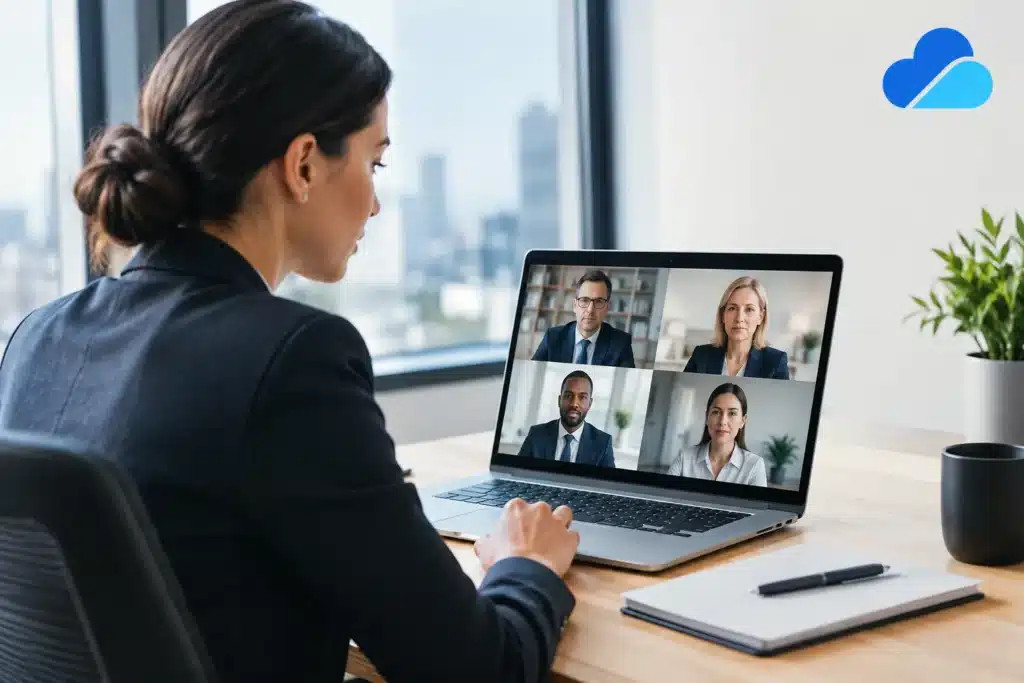
A witness joins from another state, counsel appears from the office, and the court reporter works remotely. The calendar holds. But whether that testimony is useful at mediation, in a motion, or at trial depends on far more than a video meeting link. Remote deposition platforms have made testimony more accessible, yet the legal team still needs a controlled record, dependable technical execution, and a video file that can stand up to close review.
For attorneys and litigation support professionals, the central question is not simply which platform to use. It is how to create a remote or hybrid deposition process that protects the integrity of the proceeding while reducing avoidable disruption. The best approach depends on the witness, the exhibits, the case schedule, and the intended use of the testimony.
What Remote Deposition Platforms Must Accomplish
A consumer video conference can connect people. A deposition environment must do more. It needs to support clear audio and video, organized attendance, exhibit handling, a visible witness, and a record that can be reviewed long after the deposition ends.
That distinction matters because deposition video is often evaluated in detail. Counsel may need to identify a pause before an answer, a witness’s reaction to an exhibit, an objection, or a technical interruption. If the image is poorly framed, audio is inconsistent, or separate participant feeds are not captured properly, those details become harder to assess and present.
A capable remote deposition setup should account for the practical requirements of legal testimony: confirmed participant identities, appropriate waiting-room controls, recording management, backup procedures, and a plan for exhibits. It should also establish who is responsible for starting and stopping recordings, monitoring sound, assisting a witness, and responding if a connection fails.
The platform is one part of that system. The process around it is what gives the deposition structure.
Platform Selection Is Only the First Decision
Legal teams often begin by comparing features: breakout rooms, screen sharing, cloud recording, exhibit tools, captions, and participant limits. Those capabilities matter, but they should be evaluated against the deposition’s actual demands rather than treated as a generic checklist.
A short fact-witness deposition with limited exhibits may be well suited to a straightforward remote format. An expert deposition involving technical diagrams, medical records, large document sets, or multiple counsel may require more preparation and closer production oversight. A hybrid deposition, where some participants are in person and others appear remotely, introduces another layer of coordination because room microphones, cameras, remote feeds, and exhibit displays all need to work together.
Security settings also deserve attention. Meeting access, passwords, waiting rooms, participant permissions, and recording locations should be determined before the session begins. Legal teams should know who can admit participants, who can share screens, where the recording will be stored, and how files will be transferred after the proceeding.
There is no single configuration that fits every matter. The right choice is the one that allows counsel to focus on testimony rather than troubleshoot technology during the record.
Video Quality Is Evidentiary Quality
Video quality is not merely a presentation preference. It affects whether viewers can follow the witness and understand the exchange. A poorly lit face, a camera positioned below a witness’s chin, or an unstable internet connection can make otherwise useful testimony less effective.
Before a remote deposition, the witness should be given practical guidance on camera placement, lighting, audio, internet connection, and the room itself. Whenever possible, a wired connection is preferable to relying on unstable wireless service. The witness should be in a quiet location, positioned against an appropriate background, and instructed to avoid interruptions.
A professional legal video specialist can identify issues that may not be obvious to a witness or attorney until the deposition is underway. Low microphone levels, feedback, inconsistent camera framing, and recording settings are easier to correct during a pre-session check than after testimony has been taken.
Audio Deserves Equal Attention
Attorneys may tolerate a minor visual flaw more readily than unclear sound. The spoken record drives the deposition, and the video should support it. If the witness’s answers are muffled, competing voices overlap, or an objection cannot be heard clearly, the result can complicate review and editing.
Audio monitoring throughout the session is especially valuable when participants are calling in from different locations. A technician can catch a failing microphone, a sudden increase in background noise, or a participant who is speaking while muted. Those small interventions can prevent a substantial interruption in testimony.
Managing Exhibits in a Remote or Hybrid Deposition
Exhibits are often where remote proceedings become difficult. A document that looks clear on one participant’s screen may be unreadable to another. A witness may struggle to navigate a lengthy PDF while answering questions. If counsel and the witness are not looking at the same page, valuable time is lost.
The exhibit workflow should be agreed upon before the deposition. Counsel should determine whether exhibits will be introduced through a dedicated exhibit system, screen shared, distributed in advance under the applicable agreement or order, or handled through a combination of methods. File naming, document numbering, and access permissions should be consistent.
For complex matters, it is useful to conduct a dry run with the anticipated document format. This is particularly true for medical imaging, engineering materials, accident reconstruction graphics, spreadsheets, and oversized records. What works in a standard document viewer may not work well when a witness needs to identify details on screen.
In a hybrid setting, the room should also be planned around the remote participants. A document displayed clearly to people seated at a conference table may still be too small for an attorney or witness joining online. Camera placement and screen capture should be considered alongside the physical display.
Build a Backup Plan Before the Record Starts
Technical issues are not always preventable. Internet service can drop, a witness’s computer can restart, and an application update can interfere with audio. What separates a manageable interruption from a damaging one is preparation.
Counsel and the production team should know how they will reconnect participants, communicate outside the deposition platform, and document any interruption. They should also confirm whether a backup recording is being created and how the primary file will be verified after the session.
A contingency plan is particularly important when a witness is appearing from a location with uncertain connectivity or when the testimony involves a narrow scheduling window. In those circumstances, a local recording option, a secondary device, or an alternative connection method may be appropriate. The correct safeguard depends on the witness’s environment and the procedural requirements of the matter.
The goal is not to eliminate every risk. It is to prevent a foreseeable technical issue from becoming a lost day of testimony.
Why Professional Oversight Changes the Experience
Remote depositions can appear simple from the attendee’s perspective. That is often the result of preparation happening behind the scenes. Professional oversight brings a designated person to manage the technical environment while attorneys handle the legal work.
That support can include coordinating pre-session tests, setting up remote and in-room participants, monitoring video and audio, managing recording workflows, and confirming that deliverables are complete after the deposition. It can also mean creating a clean litigation-ready video file for later review, editing, synchronization with the transcript, or courtroom playback.
For Seattle-area matters and proceedings involving parties across the Pacific Northwest, Royal Video Productions brings specialized legal video experience to remote, in-person, and hybrid depositions. The benefit is not just technical assistance. It is working with a production partner who understands court deadlines, attorney workflows, and the importance of an accurate, usable record.
Plan for the Testimony’s Next Use
A remote deposition should be planned with its later use in mind. Will the video be reviewed only by the legal team? Used in mediation? Designated for impeachment? Edited for trial? Synchronized to the final transcript? Each purpose can affect recording format, camera layout, file handling, and post-production needs.
For example, a picture-in-picture recording may be useful for immediate review, while separate participant feeds can provide greater flexibility for later editing. A clear, consistently framed witness image may be more valuable than a gallery view when testimony is expected to be played for a jury. These decisions are easier to make before the deposition than after the only recording has been created.
Remote testimony has expanded what litigation teams can accomplish across distance. The best results come when the technology serves the record, rather than asking the record to adapt to the technology. With thoughtful planning and experienced video oversight, a remote deposition can remain focused, credible, and ready for the next stage of the case.